How to use
A guide to each screen in mekuru.
Screenshots show the Japanese version of each screen.
1.Landing/en
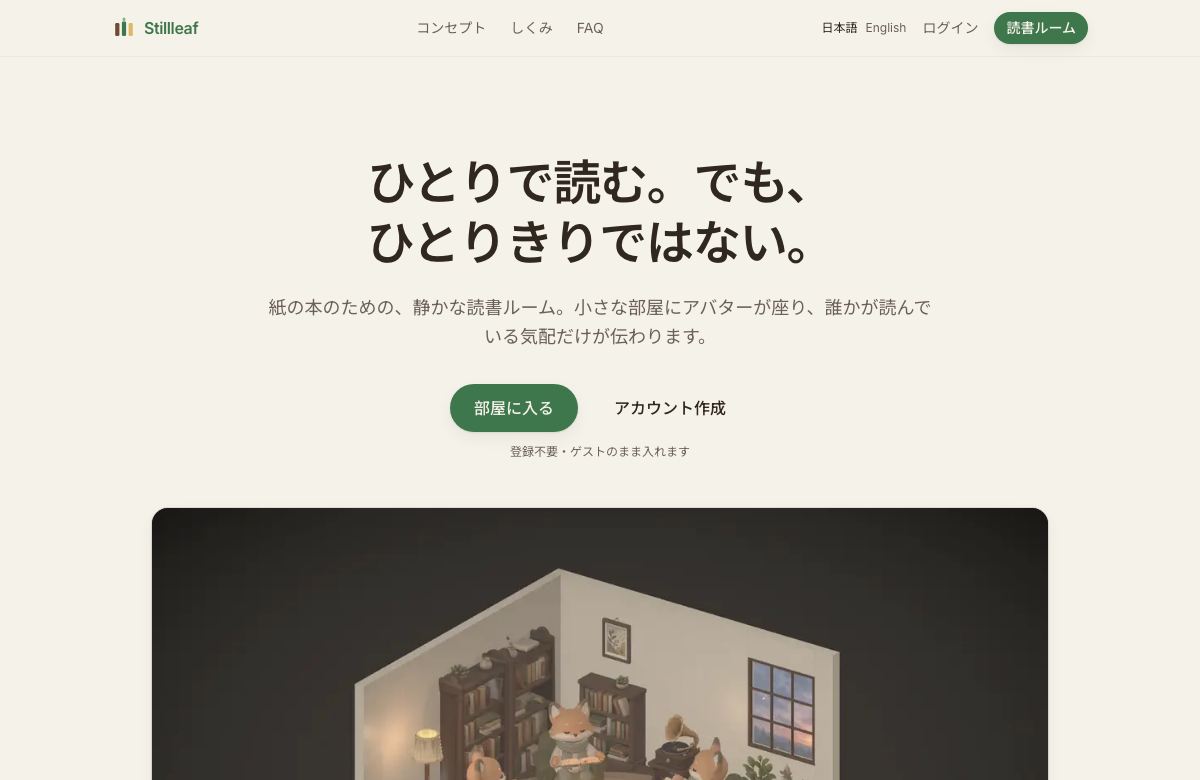
The entrance to mekuru — a quiet reading room for paper books. You can start reading right away, anonymously, with no account.
| Start / To the room | Enter a public room now, anonymously |
|---|---|
| Concept / How / FAQ | What the service is for, and what it does |
| Log in | To the account screen (link an account later) |
2.Account/en/account

Create an account or log in with an email. You can start anonymously and create one later to carry your reading time over (you pick a name and avatar once the account exists).
| Log in / Create account | Switch with the tabs; start right after creating an account |
|---|---|
| Carry over from guest | Keep the records you built as a guest |
| Reset password | A reset link is emailed to your address |
3.Profile/en/profile

Your reading so far, and how you look. Make and share your reader card (your character reading a book) from here.
| Reading-time card | Your accumulated reading hours (a quiet achievement) |
|---|---|
| Make a reader card | Generate and share an image of your avatar reading |
| Avatar / book cover | Choose your character’s tint and book cover |
| To the rooms | A link to the rooms hub |
| Account | Email + log out (guests see the create-account link) |
4.Rooms (the hub)/en/room
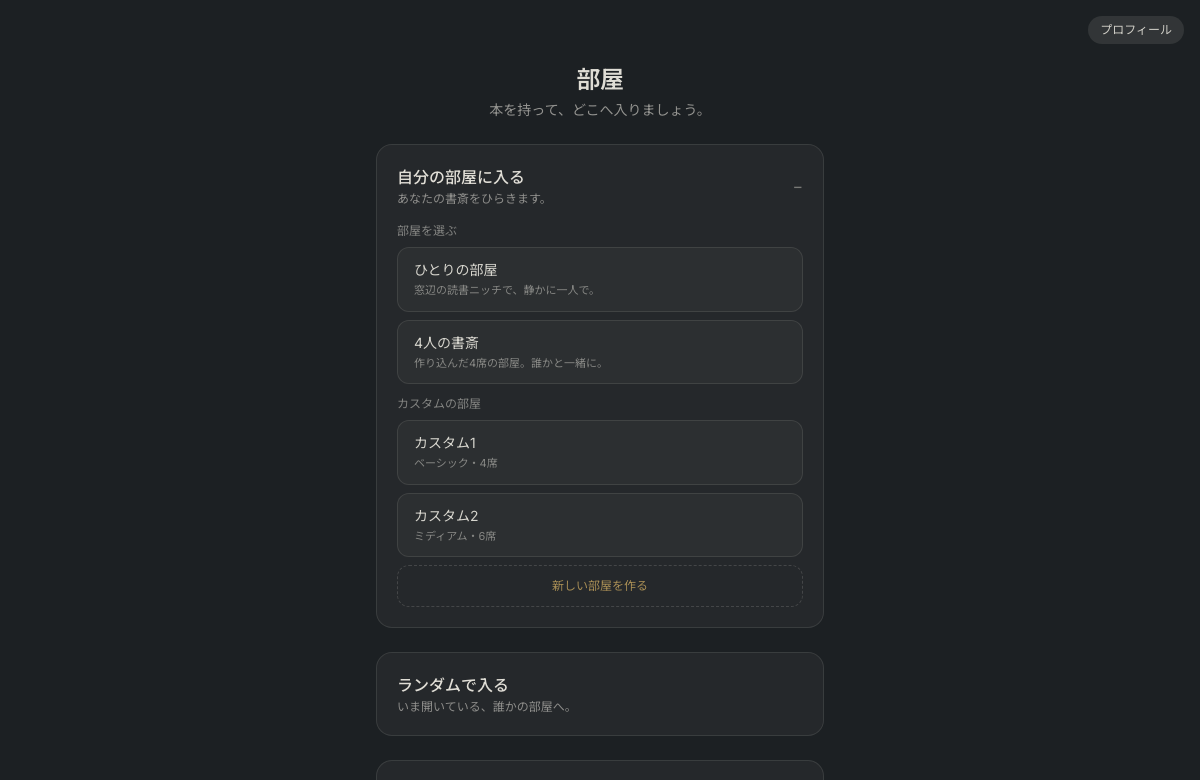
The single doorway, in three parts: “Enter someone’s room” (at random, through an open door, or with an invite link), “Read alone” and “Open your own room”. Your list of reading companions and the requests you receive are in your profile, where you can answer them.
| Enter a room at random | Takes you to a room where someone is reading (rooms with just one reader first) |
|---|---|
| Open doors | Pick a room that is open right now; a reading companion’s room comes first |
| Enter with a link | Paste an invite link you received to enter |
| Read alone | Go into your solo room with “Enter the room”, or change how it looks with “Arrange the room”. Works offline |
| Open your own room | On the 4-seat study or a custom room (paid, up to 4), use “Open the room”, then choose how: to reading companions, to everyone, or by link |
| Reading companions | The list and the requests you receive are in your profile, where you can answer them. When a companion’s light is on, their room comes first under “Open doors” |
5.Public room/en/room/local?sky=dusk&rain=0

Read at the same time as strangers. You’re seated in a room with an open chair. No chat — all that travels is the sense of a page being turned.
| Change seats | Click an empty chair to move there. Clicking your own chair does nothing — you are always seated |
|---|---|
| Break | Click the cup at the bottom left to take a break; click it again to go back to reading. While you’re on a break, reading time isn’t counted and others in the room see you’re on a break. If you leave the screen, you’re on a break and your seat is kept for up to 6 minutes. After that, the seat opens up |
| Page-turn presence | When another reader’s avatar turns a page, it stirs and a faint sound plays |
| Sound (♪) | Mute all sound, choose an ambient sound (such as rain or white noise), or turn off just the rustling pages |
| Leave | End the session; you can make a share card of your time |
| After the host leaves | Those already reading can keep reading. After that, new people can only come in through the invite link. It does not disturb the readers, so the host can leave with peace of mind |
| Time left unattended isn’t recorded | After two hours with nothing touched, reading ends — with a fifteen-minute grace |
6.Read alone/en/room/solo?sky=dusk&rain=0
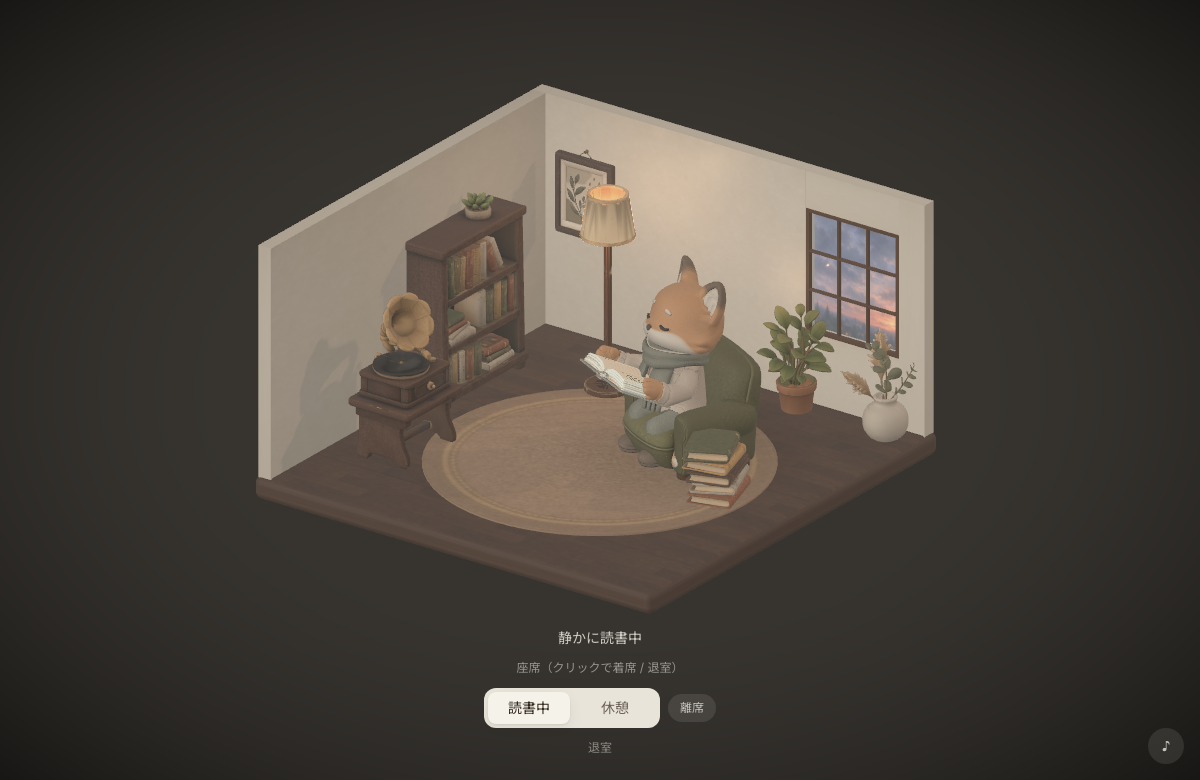
A study of your own. No one to share the air with, but your reading time still accrues. The character and room are scaled up so one reader fills the frame.
| Break | Click the cup at the bottom left to take a break; click it again to go back to reading. Reading time isn’t counted during a break |
|---|---|
| The room | Lamp, gramophone, plant and more — a quiet setting (you can arrange it your way) |
| Leave | Leaving returns you to the rooms hub to pick another room |
| Time left unattended isn’t recorded | After two hours with nothing touched, reading ends — with a fifteen-minute grace |
7.Start a reading circle/en/rooms/new

Make a disposable room to read with friends (4 seats). Share the link to gather.
| Title / start time | The room’s name and when to gather |
|---|---|
| Invite link | Share the link shown after creating |
8.Arrange (3D placement)/en/room/edit
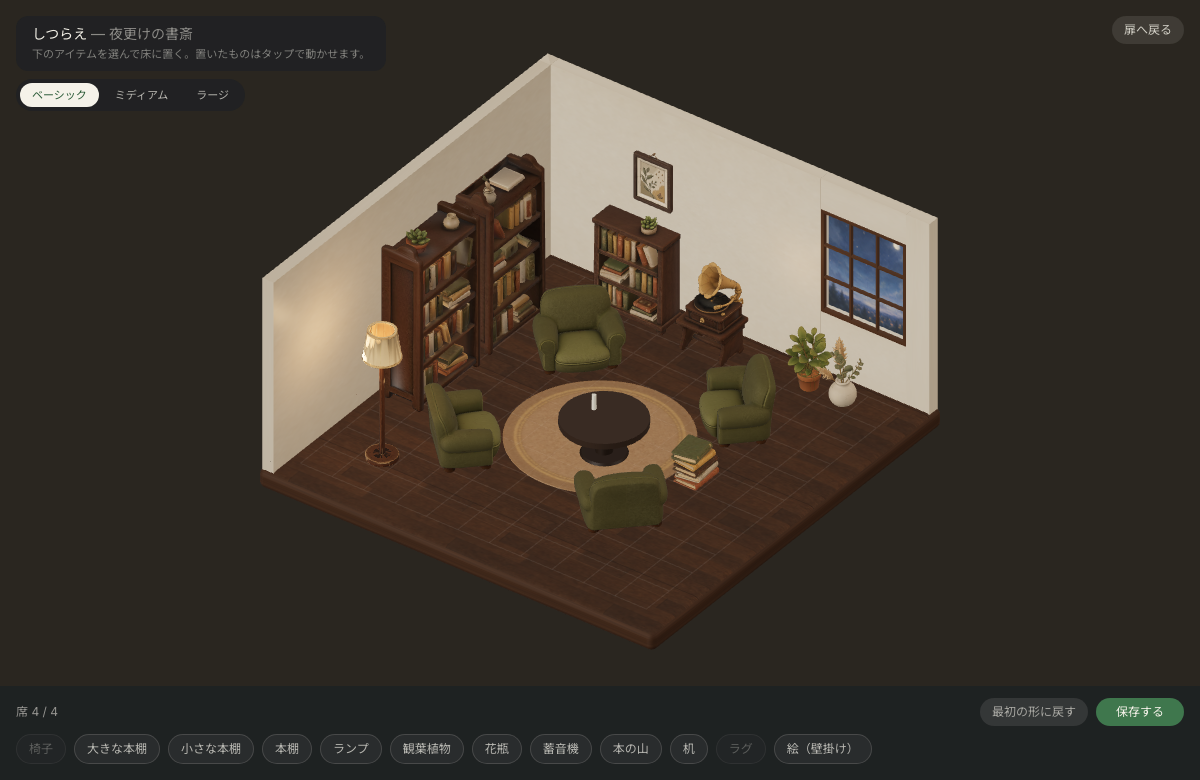
Edit one of your room presets (paid). It happens in a 3D space with a visible floor and walls: place furniture freely, and each chair becomes a seat.
| Size | Switch Basic (4 seats) / Medium (6) / Large (10) |
|---|---|
| Add furniture | Open the picture list, which fills the screen, with “Furniture”, narrow it with the tags, and pick a picture: the piece comes into the room in your hand (pick from “In this room” for another of the same). Pictures that can’t be added are dimmed, with the reason shown |
| Piece in hand | A new piece is in your hand (it glows gold), and pressing any piece in the room picks it up. While you hold one, the top bar and the bottom row step aside for a small card (its name and how to move it) and one band: the row of types, four round turn buttons (a round arrow with a number: 15 turns a little at a time and keeps turning while held; 90 turns 90°), “Put away” and “Place”. Only the piece in your hand moves: drag it or press the floor. “Place” ends it, and “Undo” afterwards takes everything back |
| Seats n / cap | Chairs = seats, up to the size’s cap |
| Save | Saves only when valid (furniture past the walls after shrinking turns red) |